Overview
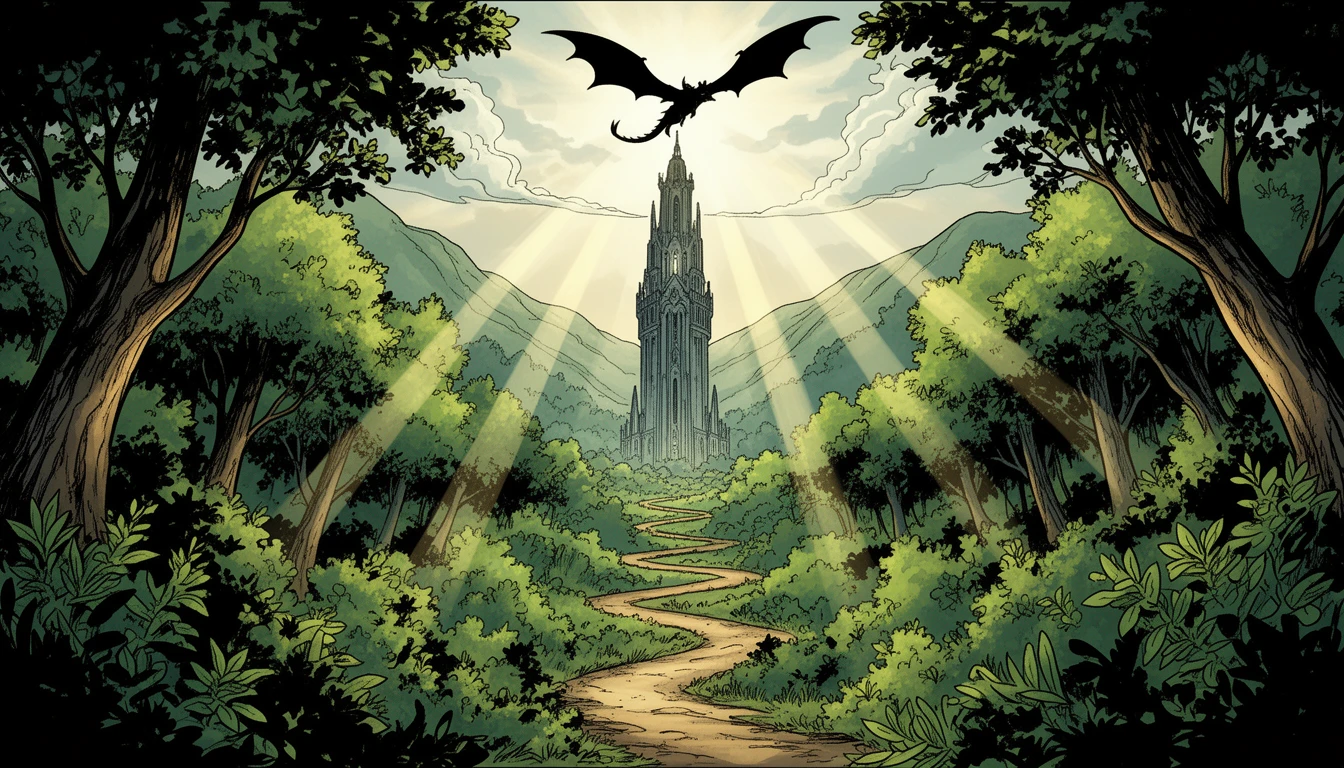
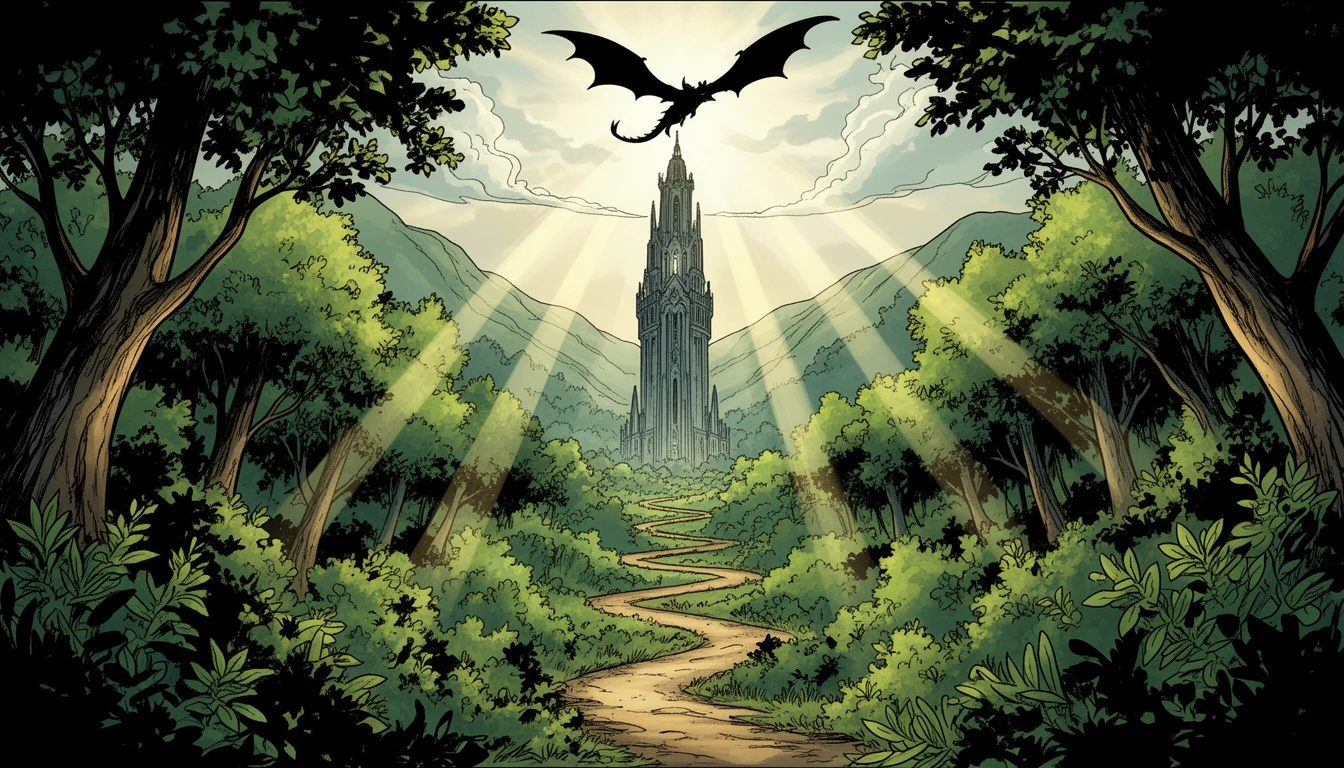
Tower of Destiny is a classic roguelike dungeon crawler. You control a hero ascending an ever-rising tower filled with monsters, traps, treasure, and secrets. Each floor is procedurally generated — no two runs are ever the same.
Permadeath
When your hero dies, the run ends. Your deeds are recorded in the Adventure Log for all to see.
Turn-Based
Every action you take — moving, attacking, using items — advances the world by one turn. Think before you act.
Procedural
Every floor is randomly generated with unique layouts, monsters, and loot. Explore thoroughly — secrets await.
Achievements
Earn achievements across all your runs. Each achievement permanently boosts your MAX stats by 5%.
Quests
Complete Quests to earn powerful in-run rewards. Unlike Achievements, Quests and their rewards apply to the current game only and do not carry over between runs.
Controls
Tower of Destiny supports two fully independent keybind profiles. You can name each profile and configure its bindings in your Account page under Preferences. On the character creation screen, choose which profile to use before starting or resuming a game.
You can also reassign any keybind live during a game: open the Controls panel in the sidebar, select the Move, Actions, or UI tab, and click the Edit button next to any action. Press the new key to save it instantly — no restart required.
Auto-Pickup: Open the Controls panel and select the Pickup tab to choose which item types are picked up automatically when you step on them. Item types that are not enabled will remain on the floor until you pick them up manually with the pick-up key.
🧭 Movement
| 8 4 2 6 | Move N / W / S / E |
| 7 9 1 3 | Move NW / NE / SW / SE (diagonal) |
| 0 | Attack in place (melee, self direction) |
| + | Use staircase (ascend or descend automatically) |
| Numpad | All 8 directions (numpad layout) |
⚔️ Actions
| 5 | Attack with equipped weapon |
| [ | Pick up item on floor |
| ] | Drop item |
| P | Search (reveal hidden doors & traps) |
| T | Throw item |
| . | Wait one turn (rest) |
| U | Use item (bow, tool, torch, etc.) |
| C | Cast spell (opens direction picker) |
| O | Open door / chest |
| D | Dig ground (with Shovel or Pickaxe) |
| S | Speak / trade with NPC |
| G | Give item to NPC / mob |
| * | Swap weapon (slot 1 ↔ slot 2) |
| ' | Pray (emergency prayer to your deity) |
| ; | Disarm Trap (disarm a known or detected trap) |
🖥️ Interface
| E | Eat food |
| Q | Quaff potion |
| I | Open Inventory |
| B | Open Spellbook / Read Scroll |
| M | Toggle full map view |
| W | Unequip / Equipment screen |
| H | Open Character Info screen |
| N | Nock / Unnock Ammunition |
| Esc | Close overlay / cancel action |
Core Mechanics
HP Hit Points
Your life force. Reaches 0 and you die. HP regenerates slowly each turn when not in combat. Rest (R) to recover faster when no enemies are visible.
MP Mana Points
Required to cast spells and fire wands. MP regenerates each turn. Running out of MP means no magic until it recovers.
STA Stamina
Depletes as you move and act. Low stamina reduces your effectiveness. Eat food to restore stamina — starving heroes are weakened heroes.
STR Strength
Determines melee damage and your carry capacity. Higher STR means harder hits and more items you can carry before becoming encumbered.
DEF Defence
Reduces incoming physical damage. Armour, shields, and certain rings contribute to your DEF. Stacking armour is essential on deeper floors.
LD Load
Your current carry weight versus your carry capacity. Carry capacity scales directly with STR: every 5 points of STR adds 1 to your maximum Load, starting from a base of 50. A weak character will be encumbered by heavy armour; a strong one can carry a full kit with ease. When your Load exceeds your capacity, STA drains each turn until you drop something.
LCK Luck
A hidden force that tips fate in your favour — or against you. Rises through acts of fortune; falls through misfortune. High positive Luck can turn the tide of battle, lower prices, and even soften a hostile Lost Adventurer. High negative Luck does the opposite.
Alignment
Choose Lawful, Neutral, or Chaotic at character creation. Alignment affects which altars bless you, how NPCs react, and certain item interactions. Altars of your alignment grant blessings; opposing altars may curse you.
Item Identification
Many items are unidentified when found — they appear as "???" until you use them, read a Scroll of Identify, or pay a Shopkeeper. Cursed items cannot be unequipped until uncursed. Blessed items grant enhanced effects.
Hunger
Your hero grows hungry over time. The HGR bar shows your current fullness. When starving, you lose HP each turn. Eat food from your inventory (I → Use) to restore fullness. Search floors for hidden food caches.
Visibility & Darkness
| Normal floor | 6-tile vision radius |
| Dark floor (no torch) | 4-tile vision radius |
| Torch equipped or near campfire | 10-tile vision radius |
Walls and closed doors block line-of-sight on dark floors. Always carry a torch when ascending.
Classes
Your class determines your starting equipment, base stats, and playstyle. Additional classes can be unlocked through achievements.
Explorer
"Into the unknown."
- Balanced stats — good for beginners
- Starts with Brass Knuckles
- No starting armour — must find gear
Archaeologist
"Knowledge is power."
- High STR — excellent carry capacity for heavy gear
- Starts with Pickaxe, Leather Armour & Torch
- Can dig through penetrable walls
Knight
"Honour above all."
- High HP & DEF — tanky frontliner
- Starts with Broad Sword & full Steel Armour
- Begins with a Saddle — can mount creatures
Wizard
"Magic is the only truth."
- High MP — powerful spellcaster
- Starts with Wand of Fire & Wizard's Robe
- Low HP — fragile but devastating at range
- Class bonus: all spells and wands receive +2% damage per player level
Rogue
"Shadows are my armour."
- Agile build — light equipment keeps STA draining slowly
- Starts with Dagger, Leather Armour & Lockpick
- Can pick locks without a key
Warlock
"Power at any cost."
- Master of dark magic — highest MP in the game
- Starts with Wand of Fire, Wizard's Robe & full Spellbook
- Unlock: earn the Grimoire Master achievement
Races
Your race modifies your base stats. Some races are unlocked through achievements. Choose wisely — your race shapes your entire run.
Human
"The default choice."
- HP 100 · MP 100 · STR 75 · STA 75
- Balanced stats across all areas
- Available from the start — no unlock required
Dwarf 🔒
"Stone and steel."
- HP 165 · MP 75 · STR 200 · STA 200 · DEF +2
- Tough and strong — resistant to magic
- Unlock: dig for 100 turns
Elf 🔒
"Ancient and swift."
- HP 200 · MP 200 · STR 200 · STA 400
- High MP and STA — excellent for magic and ranged builds
- Unlock: kill 100 enemies with a bow
Orc 🔒
"Crush. Kill. Dominate."
- HP 250 · MP 25 · STR 500 · STA 350 · ATK +3
- Unmatched melee power — voracious appetite
- Unlock: kill 1,000 humanoids
Gnome 🔒
"Small body, infinite mind."
- HP 60 · MP 400 · STR 50 · STA 50
- Exceptional magic power — extremely fragile
- Unlock: kill 100 mobs with magic
Halfling 🔒
"Fast feet, lucky hands."
- HP 150 · MP 25 · STR 75 · STA 100 · LCK +2
- Moves 2 tiles per turn & has a 25% dodge chance
- Unlock: complete the Mordor achievement across 10 runs
Wraith 🔒
"Frail of body, boundless of mind."
- HP 55 · MP 500 · ATK +5 · STR 40 · STA 30
- Can only wield Wands and Staffs — no armour
- Unlock: earn the Soul Reaper achievement
Undead 🔒
"Neither living nor dead — something far more dangerous."
- HP 200 · MP disabled · ATK +5 · DEF +5 · STR 125 · STA infinite
- Always Chaotic — never hungers — cannot cast spells
- Heals by eating corpses and food; heal spells deal damage instead
- Discover more about this race during gameplay!
🔒 Locked races are unlocked by earning specific achievements across your runs.
Items & Equipment
⚔️ Weapons
Equip in the weapon slot. Melee weapons are used when you move into an enemy. Ranged weapons (Bow, Crossbow) use the F key to fire at distant targets. Axes and Pickaxes can also break down doors and smash open Locked Chests using the Attack key.
🪄 Wands
Magical staves that fire elemental beams. Equip a wand in the weapon slot and press W to fire. Each wand type has a unique beam colour and effect. Wands consume MP per shot.
🛡 Armour
Equip armour pieces to increase your DEF. Each slot (Helm, Armour, Shield, Boots, Gloves) provides separate protection. Cursed armour cannot be removed until uncursed.
💍 Jewelry
Rings (two slots) and Amulets (neck slot) provide passive bonuses. Effects vary — some boost stats, others grant resistances or special abilities. Identify before equipping to avoid curses.
🧪 Potions
Consumables with immediate effects. Healing Potions restore HP, Mana Potions restore MP. Unidentified potions are a gamble — some may harm you.
📜 Scrolls
Read scrolls from your inventory (I → Read). Effects range from identifying items, to teleporting, to mapping the entire floor. Scroll of Enchantment can upgrade your equipment.
🔧 Tools
Equip tools in the off-hand or tool slot and press U to use them. Torches illuminate dark floors (T key). Lockpicks open locked doors. Planks help cross gaps.
🍞 Food
Eat food from your inventory to restore Stamina. Different foods restore different amounts. Rations are reliable; exotic foods may have bonus effects.
🍺 Bottles
Bottles can be found empty or filled with liquid. A filled bottle is shown as "Bottle [Water]" in your inventory. Open your inventory and select a filled bottle to Drink from it — this consumes the liquid and logs the action. Empty bottles can be refilled at fountains.
Throwing Items
Press Q to open the Throw menu. You can throw inventory items, equipped items, or items on the floor. Heavier items deal more damage but have shorter range. Thrown potions shatter on impact, applying their effect to the target.
Misc Items
💼 Bag of Holding
A rare misc item that permanently expands your inventory capacity. Use it from your inventory to absorb the extra space. Only one Bag of Holding can be active at a time.
✧ Teleportation Trinket
A consumable misc item that opens a destination picker showing every Teleport Pad you have activated on any floor. Select a pad to teleport there instantly. Dropped by Dark Wizards. Can only teleport to pads you have stepped on.
Sockets & Gems
Visit the Armorer (glyph: A) to enhance your weapons and armour with sockets and gems. The Armorer appears every third floor in a dedicated room with a Teleport Pad.
| Drill Socket | Adds an empty socket to a weapon or armour piece. Each item can hold up to 3 sockets. Costs gold. Sockets are permanent. |
| Install Gem | Inserts a gem into an empty socket. Each gem type grants a different stat bonus (e.g. Ruby = STR, Sapphire = MP, Emerald = HP). Gems can be removed but are destroyed on removal. |
| Equipped Items | Sockets and gems are preserved when you equip or unequip an item. The Armorer can also socket items that are currently equipped. |
The Shop
Some floors contain a Shopkeeper — a non-hostile merchant who sells items for gold. Browse their wares by moving adjacent and interacting. Shopkeepers can also identify items for a fee. Do not steal from them — they remember.
Spells & Wands
Spellbook
Press B to open your Spellbook. Select a spell to make it active, then press S to cast it — you will be prompted to choose a direction for directional spells. Spells are learned from Scrolls of Learning or granted by your class. Each spell costs MP to cast. Memorise your spells — they can turn the tide of battle.
Spell Reference
| Fireball | Fires a directional fireball that deals fire damage to the first mob it strikes. Melts Ice Pillars. |
| Lightning Bolt | Fires a directional bolt of lightning dealing heavy damage to the first mob it strikes. |
| Blizzard | Unleashes an area-of-effect ice storm that damages all mobs within range simultaneously. |
| Magic Missile | Fires a directional bolt of pure magical force at the first mob it strikes. |
| Poison Cloud | Fires a directional cloud that travels until it strikes a mob. The mob becomes the centre of a lingering, animated poison aura that deals poison damage each turn for the spell's duration. |
| Sleep | Puts the target mob to sleep for several turns. Sleeping mobs cannot act or move. |
| Heal | Restores a portion of your HP instantly. |
| Greater Heal | Restores a large portion of your HP instantly. |
| Mana Surge | Restores a portion of your MP instantly. |
| Invigorate | Restores a portion of your Stamina instantly. |
| Teleport | Opens a floor-selection overlay listing every floor you have already completed. Choose a floor to teleport there instantly, spawning adjacent to your aligned altar. You cannot teleport to the current floor or floors you have not yet visited. |
| Cure Infection | Instantly clears all active infections from your character. |
| Identify | Reveals the true identity of the first unidentified item in your inventory. |
| Remove Curse | Lifts the curse from the first cursed item in your inventory, allowing it to be unequipped. |
| Arcane Detect | Reveals all hidden doors, secret passages, hidden items, and undiscovered special rooms on the current floor instantly. |
Wand Types
Wands are equippable weapons that fire magical beams (W key). Each wand type has a distinct beam colour, damage type, and secondary effect. Wands consume MP per shot and track usage counts. To cancel a wand attack after pressing W, simply press W again — the targeting mode will be dismissed.
Combat
Combat is turn-based. Move into an enemy to attack them. Enemies act on every turn you take. Plan your moves carefully — fighting multiple enemies at once is dangerous.
Move into an adjacent enemy to attack. Your equipped weapon determines damage. Critical hits deal double damage.
Press F to fire a bow or crossbow. Arrows are consumed. You need line-of-sight to the target. Ranged attacks let you engage before enemies reach you.
Cast spells from your Spellbook (S) or fire wands (W). Magic ignores some physical defences. Watch your MP — running dry mid-battle is fatal.
Press Q to throw items. Potions shatter on impact. Heavy items deal more damage but travel less far. Throw poisoned items for a nasty surprise.
Enemy Types
The Dungeon
Each floor of the Tower is procedurally generated. Explore every room — hidden doors and secret passages are revealed by Searching (P). The minimap (N) shows your explored area and marks staircases.
Map Legend
Special Features
| Altars | Pray at an altar of your alignment for blessings. Opposing altars may curse you or your items. |
| Fountains | Drink from fountains for random effects — healing, stat boosts, or nasty surprises. If you are infected or poisoned, there is a small chance (8%) the water will cure the condition. That chance rises to 35% when drinking from the fountain inside your aligned altar room. |
| Chests | Locked chests require a Key or Lockpick to open cleanly. Alternatively, an Axe or Pickaxe can smash one open using the Attack key — but there is a chance the chest shatters and all contents are lost. |
| Graves | Examine graves for lore and occasional item drops. Some graves spawn undead when disturbed. |
| Dark Rooms | Some rooms are pitch black. Walls block sight. Carry a torch to navigate safely. |
| Lava Pools | Stepping into lava deals heavy fire damage each turn. Boots with the Fire Walk effect allow safe passage. Throwing a ring into lava on floor 10 or deeper counts toward the Mordor achievement (10 runs required). |
| Spider Webs | Walking into a web traps you for 1–3 turns. Mobs can also be caught in webs. Webs are destroyed when you break free or by fire. |
| Boulders | Large rocks that block movement. Push them by walking into them. Boulders can be broken with a Pickaxe (2–4 hits) and can crush enemies if pushed into them. |
| Campfires | Illuminates a 10-tile radius. Standing near a campfire extends your vision without consuming torch charges. Campfires can spread to adjacent flammable tiles. |
| Teleport Pads | Glowing pads found in Shop and Armorer rooms. Step on one to activate it. Once activated, you can use a Teleportation Trinket to instantly return to any pad you have previously activated — even across floors. |
| Armorer | An NPC (glyph: A) who appears every third floor. Visit the Armorer to drill sockets into weapons and armour, then install gems for permanent stat bonuses. Each item can hold up to 3 sockets. |
| Mystical Portal | An animated purple gateway. Step through to be transported to a special area or alternate floor. Portals are rare and their destination is unknown until you enter. |
Floor Curses
Some floors are afflicted by a Floor Curse — a powerful negative effect that persists for the entire floor. Floor Curses are rare and never appear on two consecutive floors. When you ascend to a cursed floor, a message is printed in the game log announcing the curse. The active Floor Curse is displayed under Status Effects in the Player tab of the Character Info screen.
| Curse of Blindness | The floor is plunged into a suffocating darkness. Visibility is reduced to only 3 tiles in every direction, and light sources such as torches and campfires provide no benefit. You must navigate by memory and caution. |
| Curse of Amnesia | A blow to the head erases your memory of the floor as you move. No map is built — only the tiles currently within your line of sight are visible. Rooms and corridors you have already explored fade back into darkness the moment you leave them. |
| Curse of the Labyrinth | An unseen force randomly teleports you to another part of the same floor every 175 to 275 turns. You will never be teleported into a room containing a staircase. Complete the floor quickly before the curse disorients you completely. |
| Curse of Poison | Several rooms on the floor are filled with a glowing, animated poison cloud. Any creature — including you — that enters a poisoned room will be afflicted with poison damage each turn. Rooms containing staircases and altar rooms are always safe from the cloud. |
Tip: Floor Curses cannot be removed or dispelled. The only way to escape a Floor Curse is to complete the floor and ascend to the next level. Antidotes and Potions of Cure Poison can manage the damage from the Curse of Poison, but will not remove it permanently.
The Vault Complex
Deeper floors sometimes conceal a Vault Complex — a fortified area of great danger and greater reward. The complex consists of three interconnected areas: the Vault itself, a Guard Room, and the Secret Passages that link them.
Hidden Doors
Hidden Doors are concealed within the dungeon walls and are completely invisible until discovered. They appear identical to solid stone. To find them, press P to Search adjacent cells — a successful search reveals any hidden door nearby. You can also stumble upon them by digging into the wall with a Pickaxe.
Secret Passages
Beyond a Hidden Door lies a Secret Passage — a narrow corridor that winds through the dungeon toward the Vault. The passage is invisible until the hidden door that leads to it is discovered. Once revealed, the passage appears as normal floor tiles and can be traversed freely.
The Vault
The Vault is surrounded on all sides by Impenetrable Walls that cannot be dug through. Its only entrance is a single Locked Door. Inside, valuable loot awaits — but entry does not go unnoticed.
The Guard Room
Adjacent to the Vault is a Guard Room, accessible only through its own Hidden Door. A powerful Guard patrols inside. The Guard is alert to any attempt to breach the Vault — if you try to open the Locked Door or step into the Secret Passage, the Guard will burst out and attack.
| Hidden Door | Invisible wall tile. Revealed by Searching (P), digging, or Arcane Detect. Leads to a Secret Passage or Guard Room. |
| Secret Passage | Hidden corridor leading toward the Vault. Revealed when its Hidden Door is discovered. Stepping inside alerts the Guard. |
| Vault | Fortified room with Impenetrable Walls. Single Locked Door entrance. Contains valuable loot. Attempting entry alerts the Guard. |
| Guard Room | Connected to the Vault by a Hidden Door. Houses a powerful Guard who attacks on vault breach attempts. |
| Impenetrable Wall | Reinforced stone that cannot be dug through, even with a Pickaxe. Surrounds the Vault entirely. |
Achievements
Achievements are earned across all your runs — they persist even after death. Each achievement unlocks a permanent +5% bonus to your MAX stats (HP, MP, STR, STA), making future runs stronger.
The bonus stacks — 10 achievements means +50% to all MAX stats. Keep earning to become unstoppable.
View all your achievements in-game by pressing C (Character Info) and switching to the Achievements tab.
Tips & Strategies
Press P to search for hidden doors and secret passages. Many floors have concealed rooms with rare loot. Searching costs a turn but is almost always worth it.
Stand in a doorway to fight enemies one at a time instead of being surrounded. This is the single most important survival tactic in the Tower.
Cursed items cannot be removed. Use Scrolls of Identify or pay the Shopkeeper before equipping unknown rings, amulets, or armour.
Never let your HGR bar empty. Starving drains HP every turn. Hoard food and eat before you become hungry, not after.
Press R to rest until healed when no enemies are visible. Resting in a cleared room between floors is essential for survival on deeper levels.
Healing potions thrown at undead deal damage. Poison potions thrown at any enemy apply their effect on impact. Use your inventory as ammunition.
Dark floors reduce your vision to 4 tiles. A torch extends it to 10. You cannot fight what you cannot see. Always keep a torch in your inventory.
Every achievement you earn boosts your MAX stats permanently. Focus on achievable goals each run — even failed runs contribute to your long-term power.
Teleport Pads glow cyan in Shop and Armorer rooms. Step on each one you find — once activated, a Teleportation Trinket can warp you back instantly. This is invaluable for revisiting the Armorer or escaping a dangerous floor.
Visit the Armorer every third floor to drill sockets into your strongest weapon and armour. A fully socketed item with three gems can dramatically outperform a higher-tier unsocketed item.
Saving & Sessions
Tower of Destiny automatically saves your progress as you play. You can safely close the browser at any time and resume later. Only one active adventure can exist per account at a time.
| Save & Exit | Saves your current game and returns you to the Create Character screen. Your adventure is preserved and can be resumed at any time. |
| Resume Adventure | Appears on the Create Character screen when you have an active saved game. Click it to continue exactly where you left off. |
| Begin New Adventure | Starts a fresh run with a new character. If you have an active save, you will be asked to confirm — starting a new adventure permanently ends your current game. |
| Quit | Permanently abandons your current run. Your deeds are recorded in the Adventure Log, but the save is destroyed and cannot be resumed. |
| Death | When your hero dies, the run ends permanently. The save is destroyed immediately. You cannot resume a dead character — only Begin New Adventure is available. |